Integrations
CrowdSec Blocklist Integrations (also known as Blocklist as a Service) give you a secure, hosted HTTPS endpoint serving live blocklists that you configure your firewall or security tool to pull from.
You don't host anything: CrowdSec updates the blocklists multiple times per day, and your device fetches them on a schedule you control.
Each integration represents a unique endpoint protected by Basic Authentication (username + password), consumable by any HTTP-capable device or software.
Choosing the right integration
| Your situation | Recommended integration |
|---|---|
| Your firewall supports external IP list ingestion | Use the dedicated page for your vendor in the table below |
| Any HTTP-capable device not listed | Raw IP List (one IP per line), works in the vast majority of cases |
| Platforms without native IP list ingestion (Cloudflare, AWS WAF, etc.) | Remediation Component (CrowdSec's own integration layer) |
Refresh frequency
Blocklists are updated multiple times per day. Configure your device to pull on the following schedule according to your plan:
| Tier | Recommended refresh | Minimum allowed interval |
|---|---|---|
| Community | Every 24 hours | 24 hours |
| Enterprise | Every hour | 1 hour |
Pulling more frequently than the allowed interval for your plan will result in HTTP 429.
Available integrations
Firewall integrations
Each vendor page explains how to create the integration in the CrowdSec Console and includes a link to the vendor's own documentation on how to configure ingestion on the firewall side.










Other integrations


 Cloudflare
 AWS WAF
 WordPress
 and more
Setup a Blocklist Integration Endpoint
- 1- Create an integration
- 2- Configure Endpoint
- 3- Save your credentials
- 4- Subscribe to blocklists
Step 1 - Create an integration in the CrowdSec Console
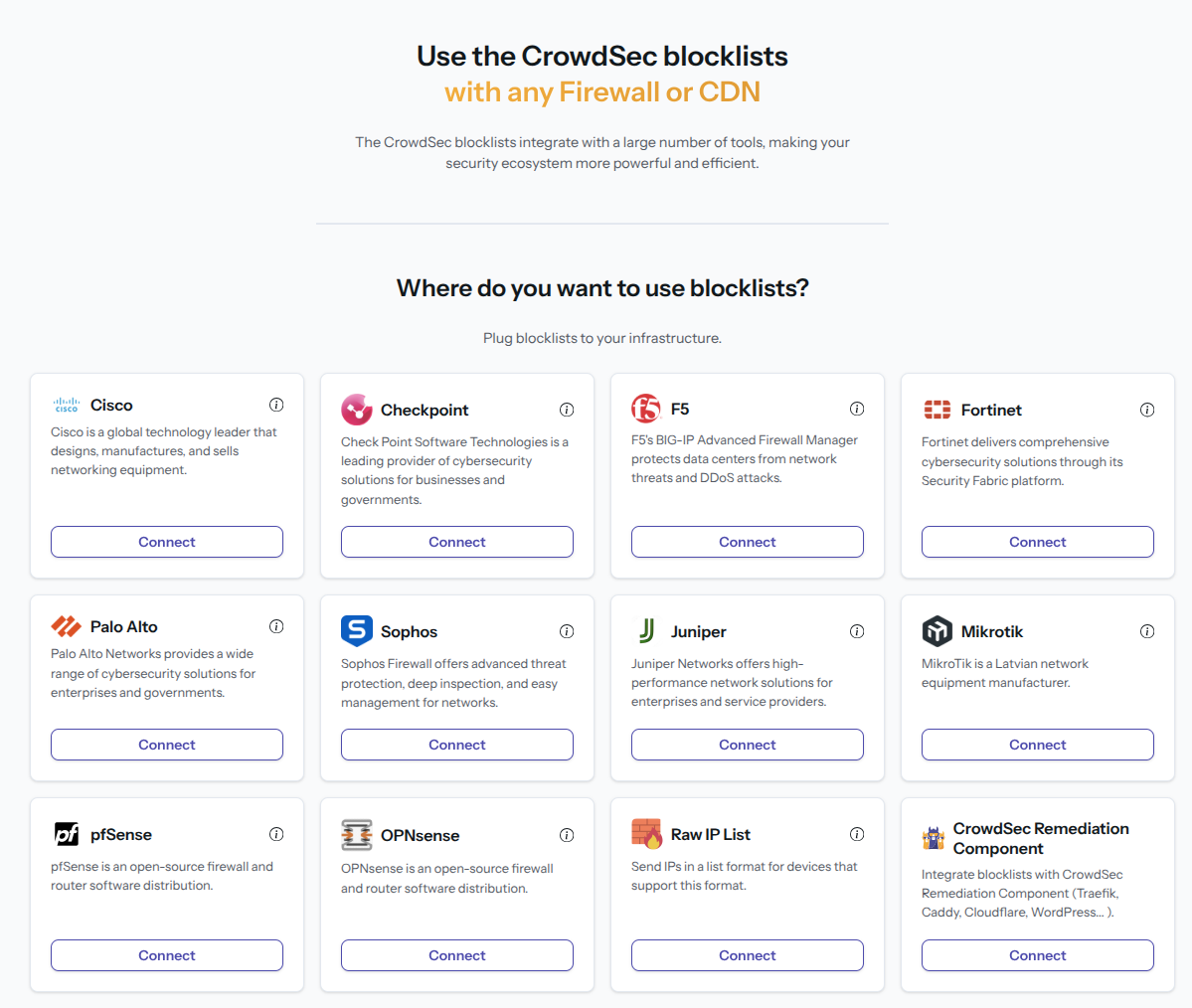
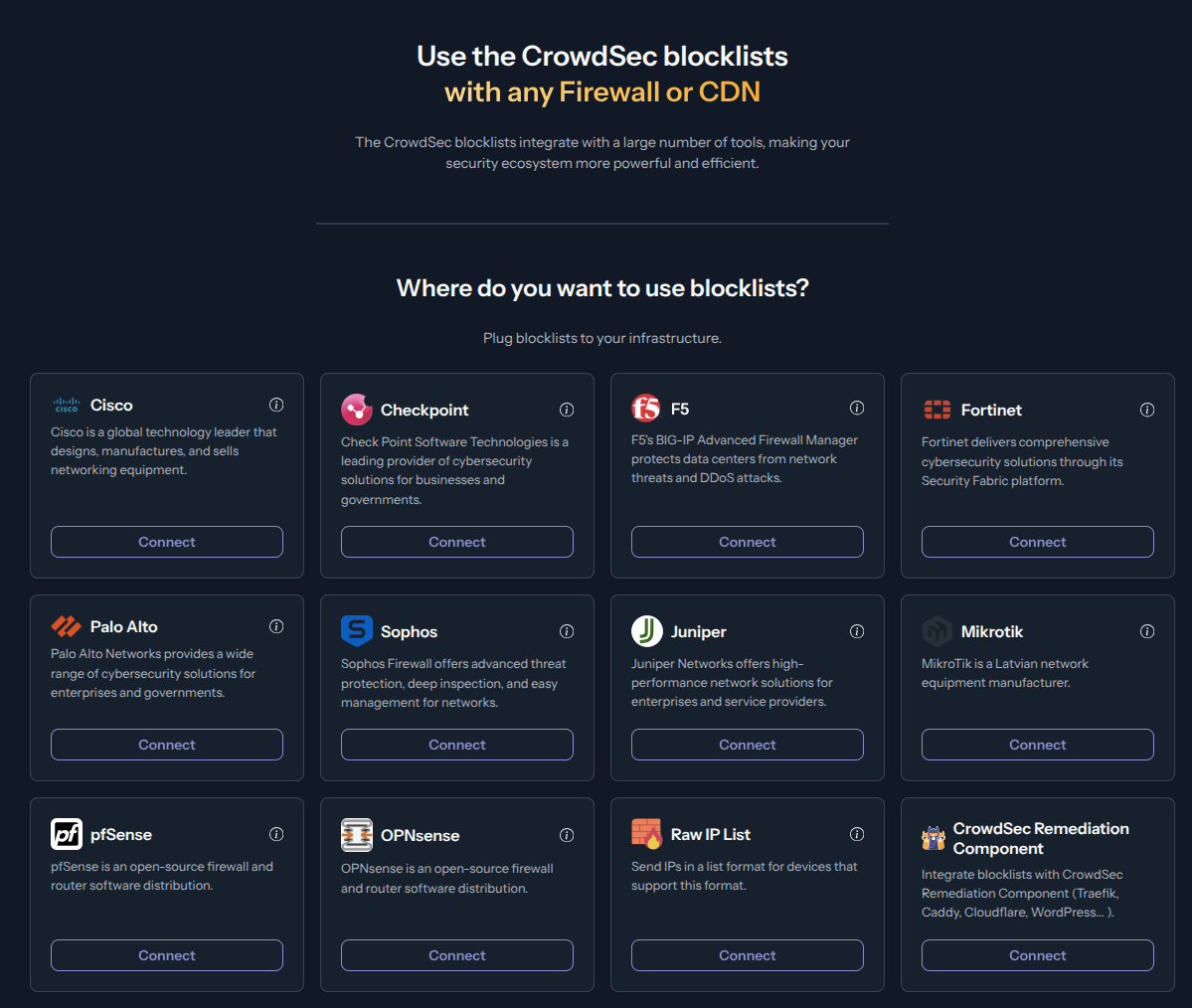
In your CrowdSec Console account, navigate to the Blocklist tab in the top menu bar, then select the Integrations sub-menu. Choose the integration type you need, then click Connect.
If you don't have a CrowdSec Console account, sign up here. On mobile, use the menu icon in the top-right corner, tap Blocklist, then Integrations.
Step 2 - Fill in integration details
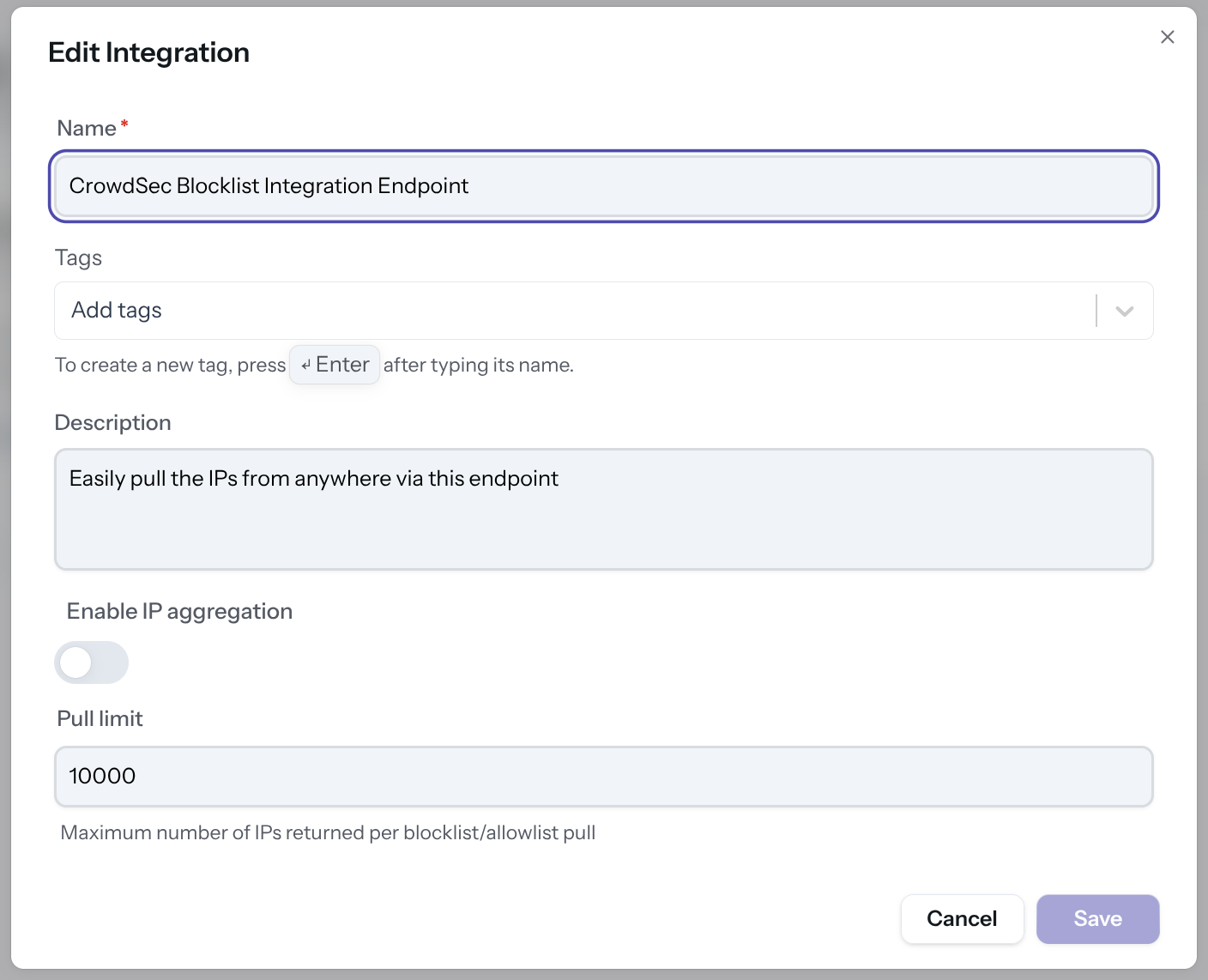
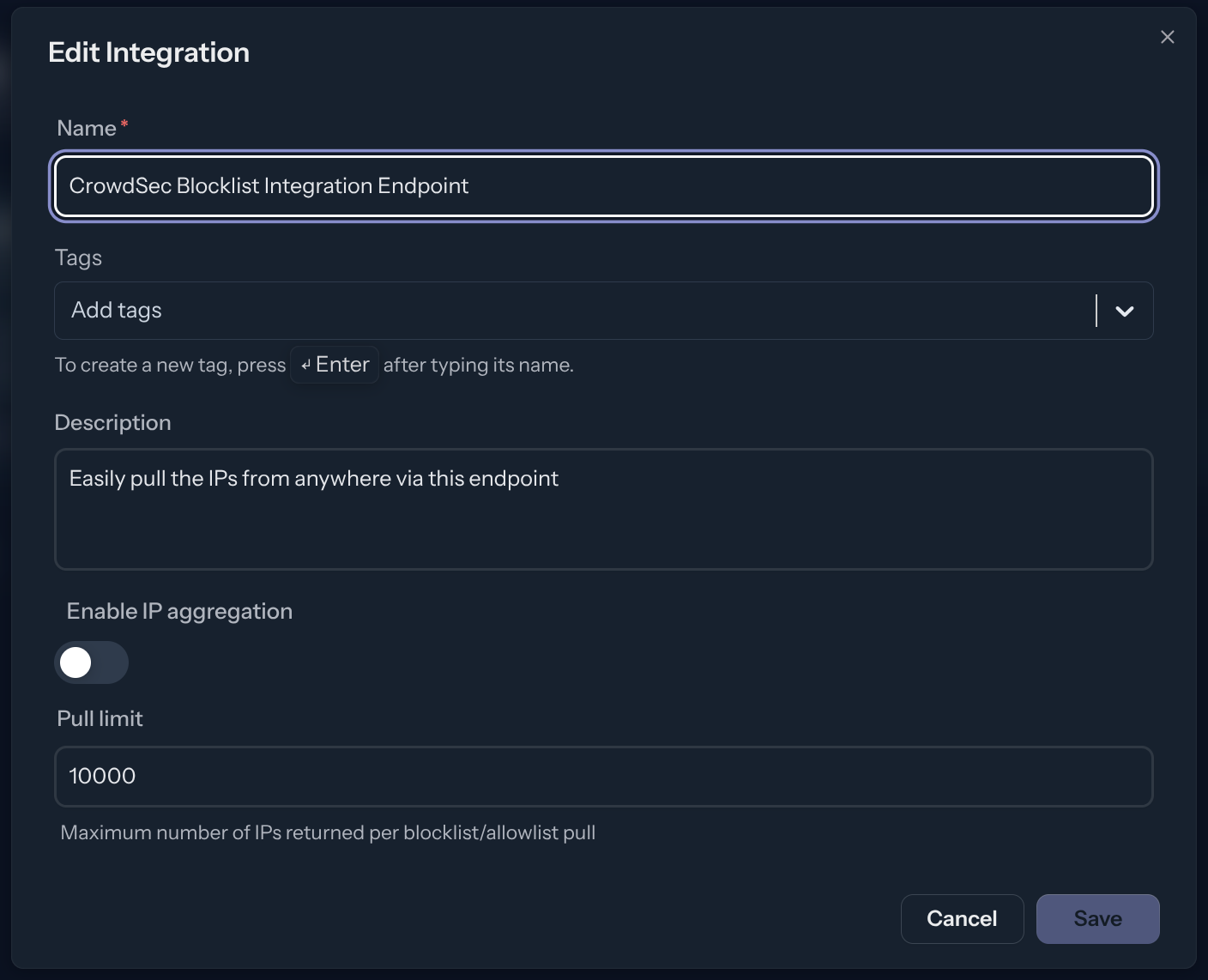
Name the integration (must be unique to your account) Optionally, add a description and tags to help you identify it later.
You can also configure:
- Enable IP aggregation — aggregate IPs into CIDR blocks to reduce list size
- Pull limit — maximum number of IPs returned per pull (default: 10,000)
Then click Create or Save.
Step 3 - Copy your credentials
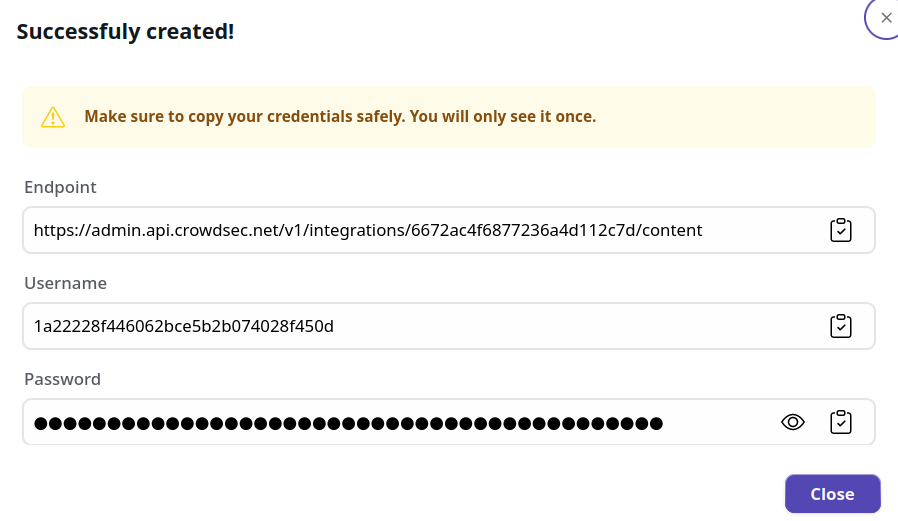
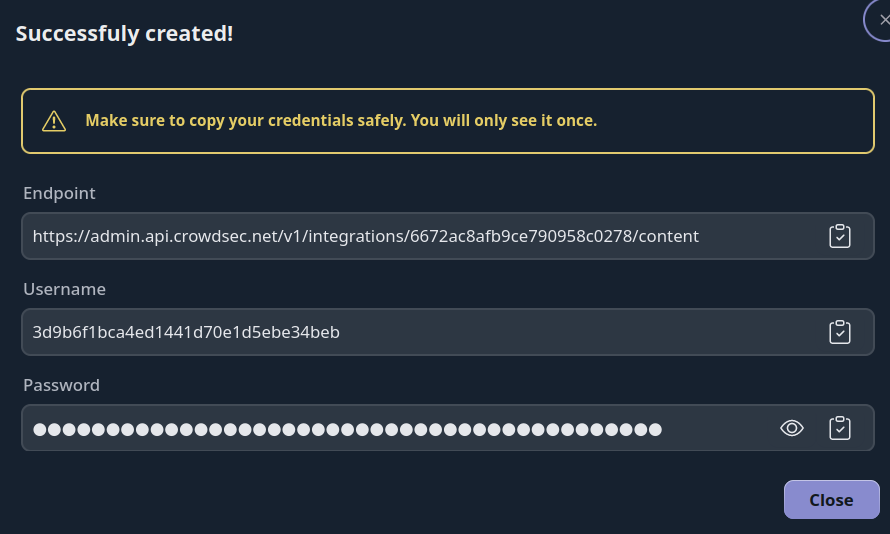
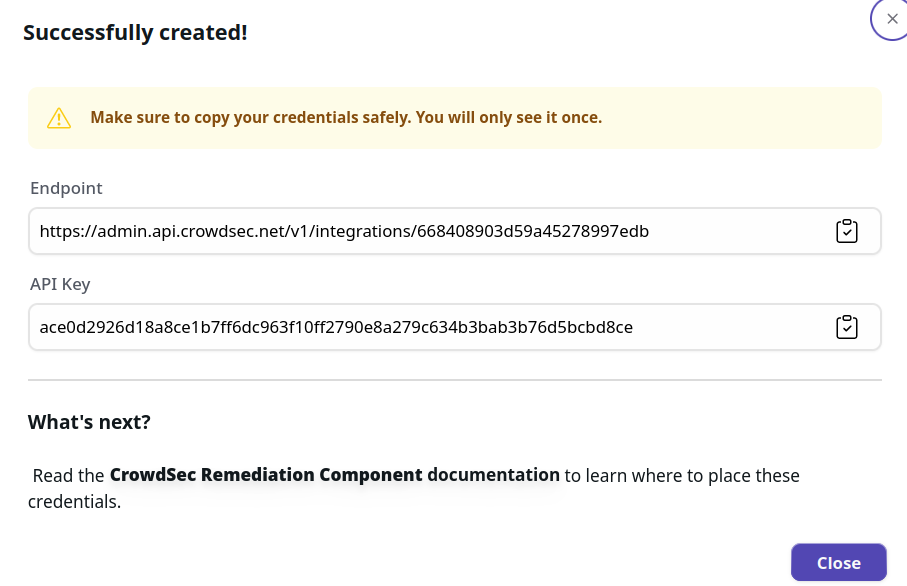
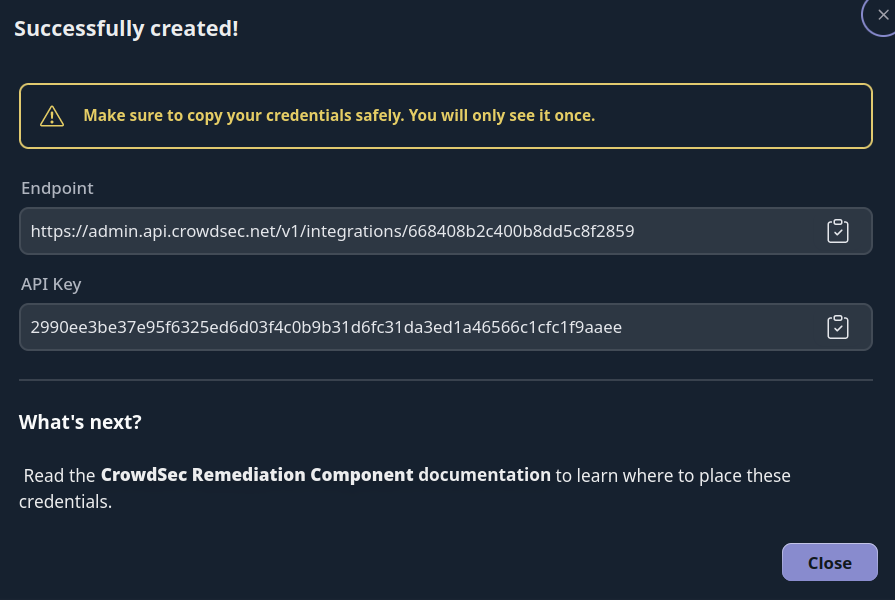
The credentials shown next are displayed only once. Copy them before closing this screen. If you lose your credentials, you can regenerate them via Configure → Regenerate Credentials on the integration page.
- [BasicAuth]
- [Remediation Component]
With this HTTPS endpoint and Basic Auth credentials, you can verify the endpoint with any HTTP client, for example:
curl -u 'usr:pass' https://admin.api.crowdsec.net/v1/integrations/$integID/content
The Remediation Component integration provides you with an API key to copy into your Remediation Component config file, along with the endpoint URL.
Step 4 - Subscribe to Blocklists
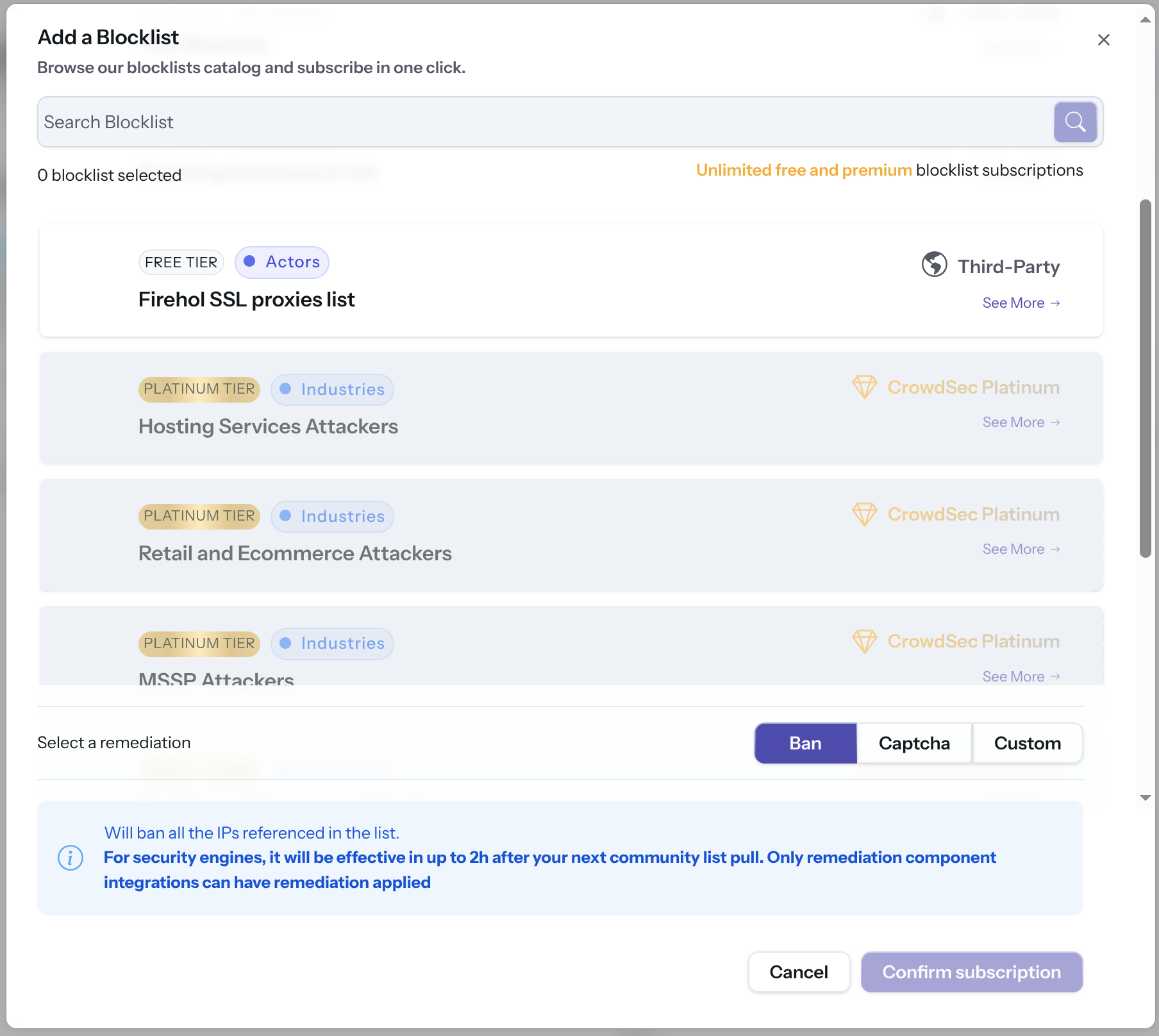
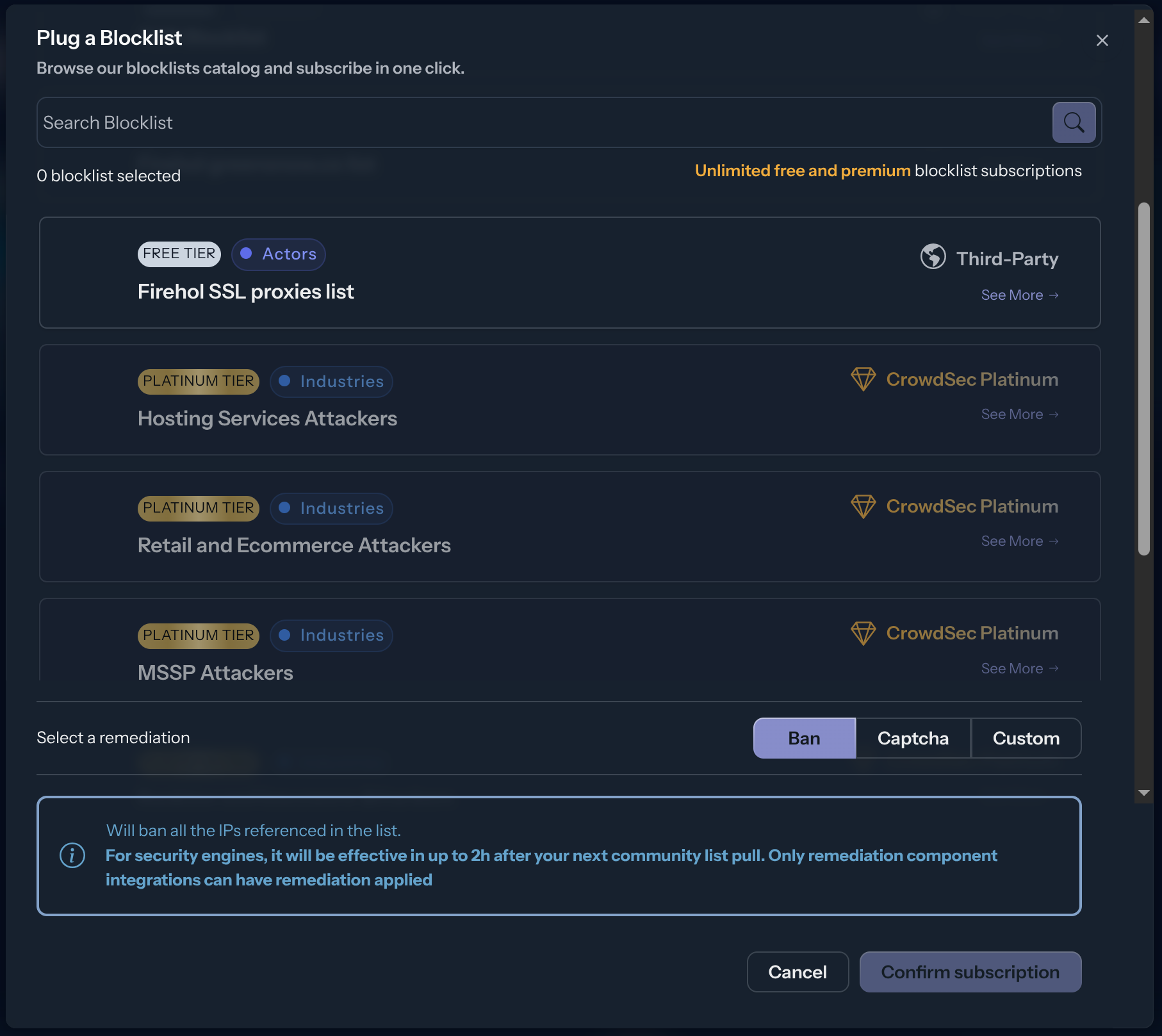
The integration endpoint will serve the deduplicated blocklists it's subscribed to. After creation, a subscription pop-up appears automatically. You can also access it later via the Add Blocklist button.
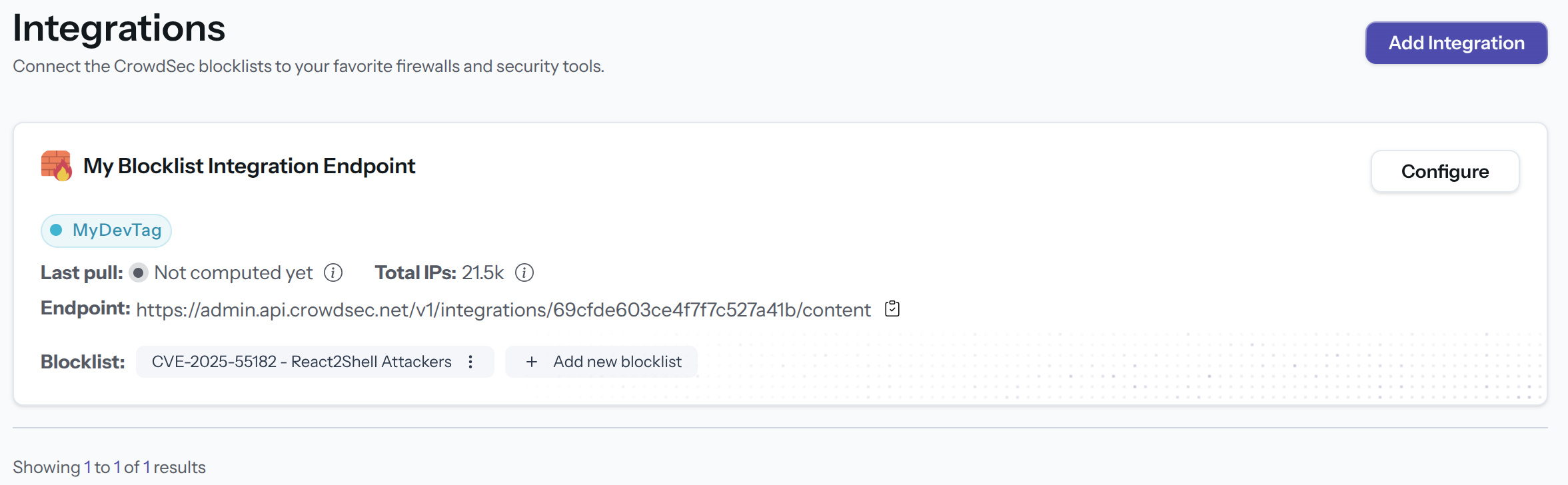
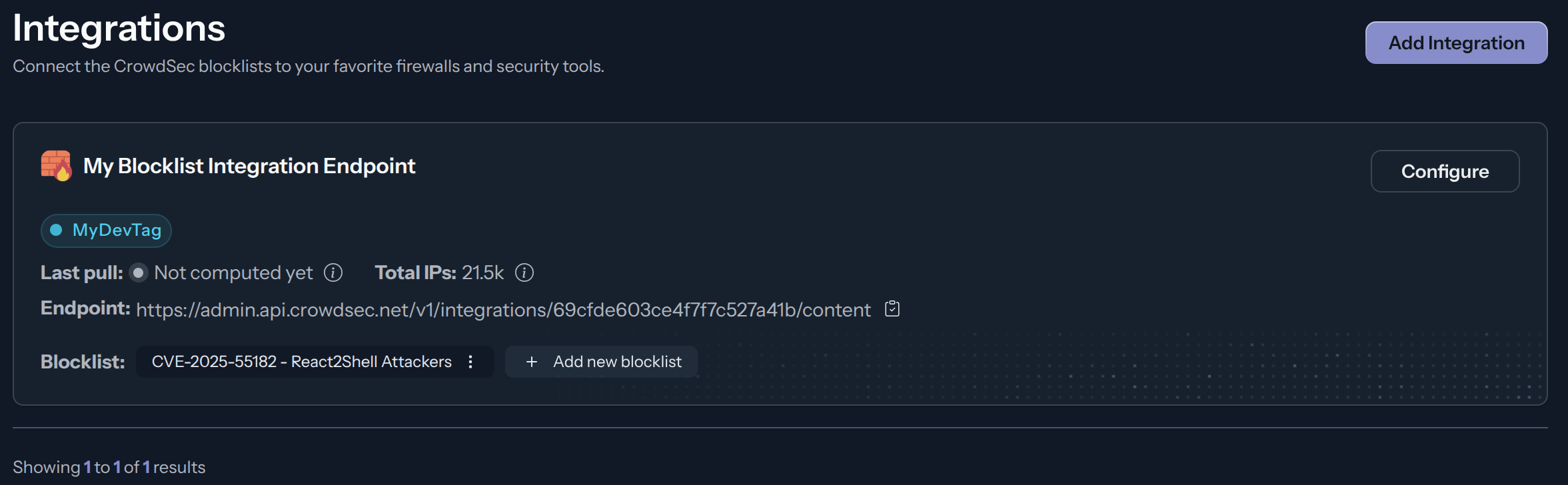
Select one or more blocklists available for your plan, then click Confirm Subscription. The blocklist name(s) will appear in the integration tile once subscribed.
Troubleshooting
When an integration doesn't behave as expected, here is what to check.
Truncated / incomplete blocklist
To keep responses small, the integration endpoint prefers compression. When a client doesn't support compression and the response exceeds the API gateway limit (around 5 MB), the response is truncated, so your device only receives part of the blocklist.
If you are not receiving the full list, you have two options:
-
Enable compression (recommended). Request a compressed response so the endpoint returns the full list in a compact form.
warningMake sure your software actually handles compression before enabling it. Sending an
Accept-Encoding: gzipheader is not enough on its own: the client must also decompress the response, otherwise you get unreadable (compressed) data instead of a usable blocklist.With
curl, use--compressedrather than setting the header manually. It both advertises the supported encodings and decompresses the response for you:SHcurl --compressed -u 'usr:pass' https://admin.api.crowdsec.net/v1/integrations/$integID/contentMany devices support compression natively. For instance, the Mikrotik integration sets
http-header-field="Accept-Encoding:gzip". -
Use pagination. If your client cannot handle compression, fetch the list in smaller chunks using the
pageandpage_sizequery parameters. See Managing integrations size limits with pagination.When pulling without compression, keep each page under the ~5 MB limit by capping
page_size(or by setting apull_limiton the integration so every pull stays bounded). The safe value depends on your format, because each format produces a different number of bytes per entry. As a reference point, the plain text format truncates at roughly 350,000 IPv4 entries at the 5 MB limit:Format Approx. bytes per entry Suggested page_size(uncompressed)Plain text (Palo Alto, Cisco, FortiGate, Juniper, OPNsense, pfSense, Sophos) ~15 300,000 F5 ~55 90,000 Checkpoint ~85 60,000 MikroTik ~125 35,000 These values assume IPv4 entries; IPv6 entries and longer integration names take more bytes, so leave headroom. As a rule of thumb,
page_size ≈ 5,000,000 / bytes_per_entry.
A warning on stack health will soon surface when an integration is receiving truncated data, making this easier to detect.
HTTP 429 (rate limited)
An HTTP 429 response means your integration is being rate limited because it is pulling more frequently than your plan allows (Community: 1 pull every 24 hours; Enterprise: no limit). See Refresh frequency above and adjust your device's refresh schedule to respect the allowed interval for your plan.